Reduce Motion
prefers-reduced-motion is an accessibility preference that all websites should aim to respect. If a user doesn't want to see motion, you should reduce or eliminate all animations.
ACSS allows you to remove animations with the flip of a switch by navigating to Options > Defaults & Misc > Reduce Motion.
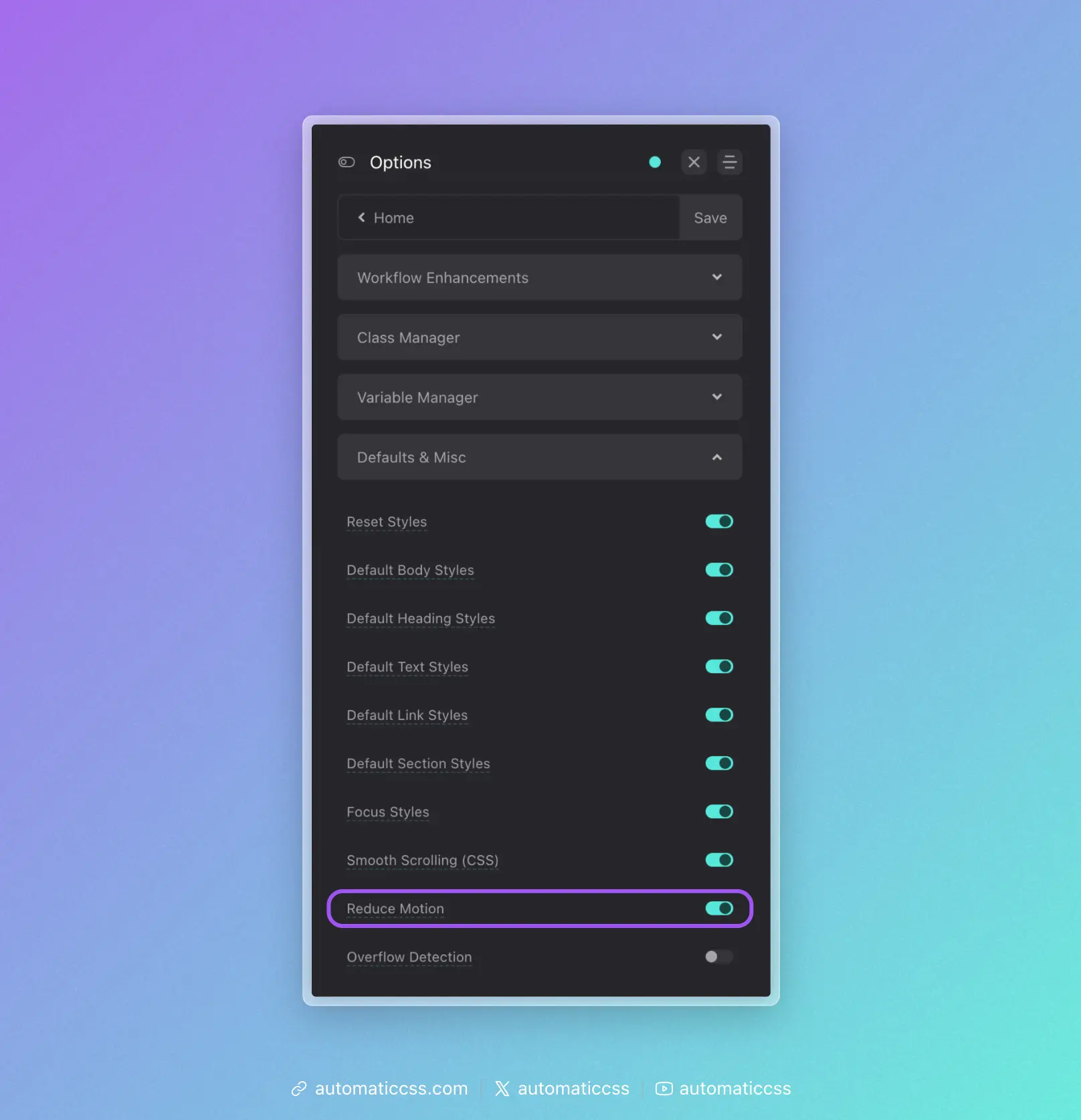
Note: This setting is on by default and should not be turned off. Turning this setting off will technically make your site inaccessible.
Keep in mind that prefers-reduced-motion is not a browser setting, but an operating system setting. If your own operating system is set to prefers-reduced-motion, you will not see your own animations on your site.
This is not a bug. If you personally prefer reduced motion, you should consider why you're adding animations to websites for others. If you're doing it at the request of a client, you should switch your own OS preference until you're done working. Turning off the setting is inadvisable because it will make the site inaccessible to users who prefer reduced motion.
What Gets Disabled
When prefers-reduced-motion: reduce is active, ACSS disables all effect animations:
- Scroll animations (On Enter, On Exit):
animation: none, elements appear immediately - On Visible:
transition: none, elements appear immediately - Hover effects:
transition: none, hover transforms (translate,scale) are reset tonone
Changes From 3.x
In ACSS 4.0, the Reduce Motion setting has moved from Options > Accessibility to Options > Defaults & Misc.