Auto Object Fit
Auto Object Fit applies a default object-fit and object-position to all images so you can resize or constrain them (e.g. with an aspect ratio) without distortion and without adding classes or CSS each time.
Turn it on under Options > Workflow Enhancements: enable the Auto Object Fit toggle.
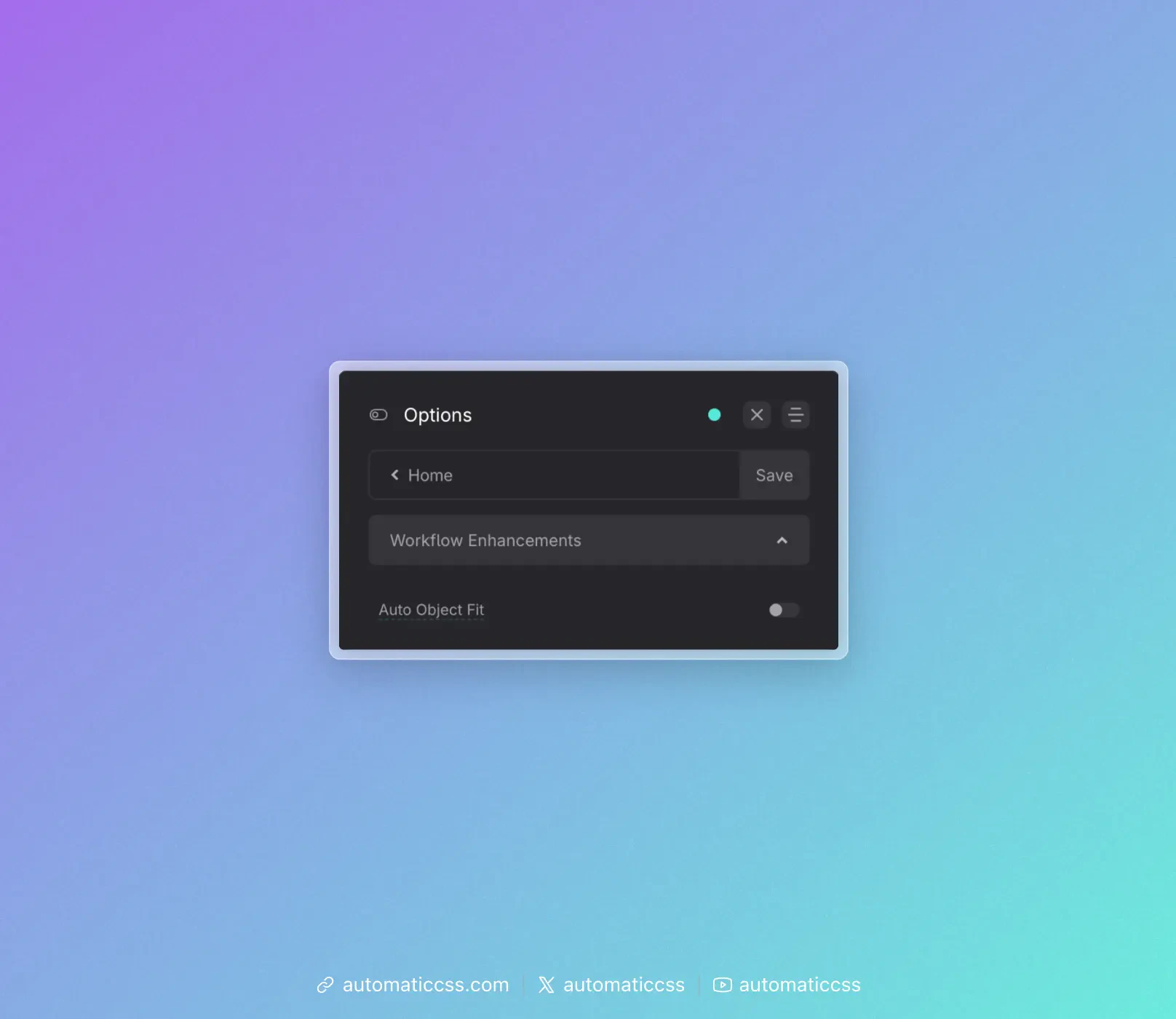
When enabled, ACSS sets every img to:
object-fit: var(--object-fit, cover);object-position: var(--object-position, 50% 50%);
So the default is cover and centered, but you can override it anywhere by setting the CSS variables.
Overriding per area
You can change the behavior for a section, template, or container by setting the variables on a parent:
.this-specific-area {
  --object-fit: contain;
}
All images inside that area will use contain instead of cover. You can also set --object-position (e.g. top left, 50% 0) for different crop focus.
Changes From 3.x
In ACSS 4.0:
- Auto Object Fit is still under Options > Workflow Enhancements. Behavior is unchanged: all
imgelements getobject-fit: var(--object-fit, cover)andobject-position: var(--object-position, 50% 50%), and you can override via the same variables.