Card Targeting
The Card Framework only applies styling to cards you explicitly target. This gives you full control over which elements receive the framework's styles.
Adding Card Selectors
Navigate to Cards > Card Options and add your card selectors to the Card Selectors input.
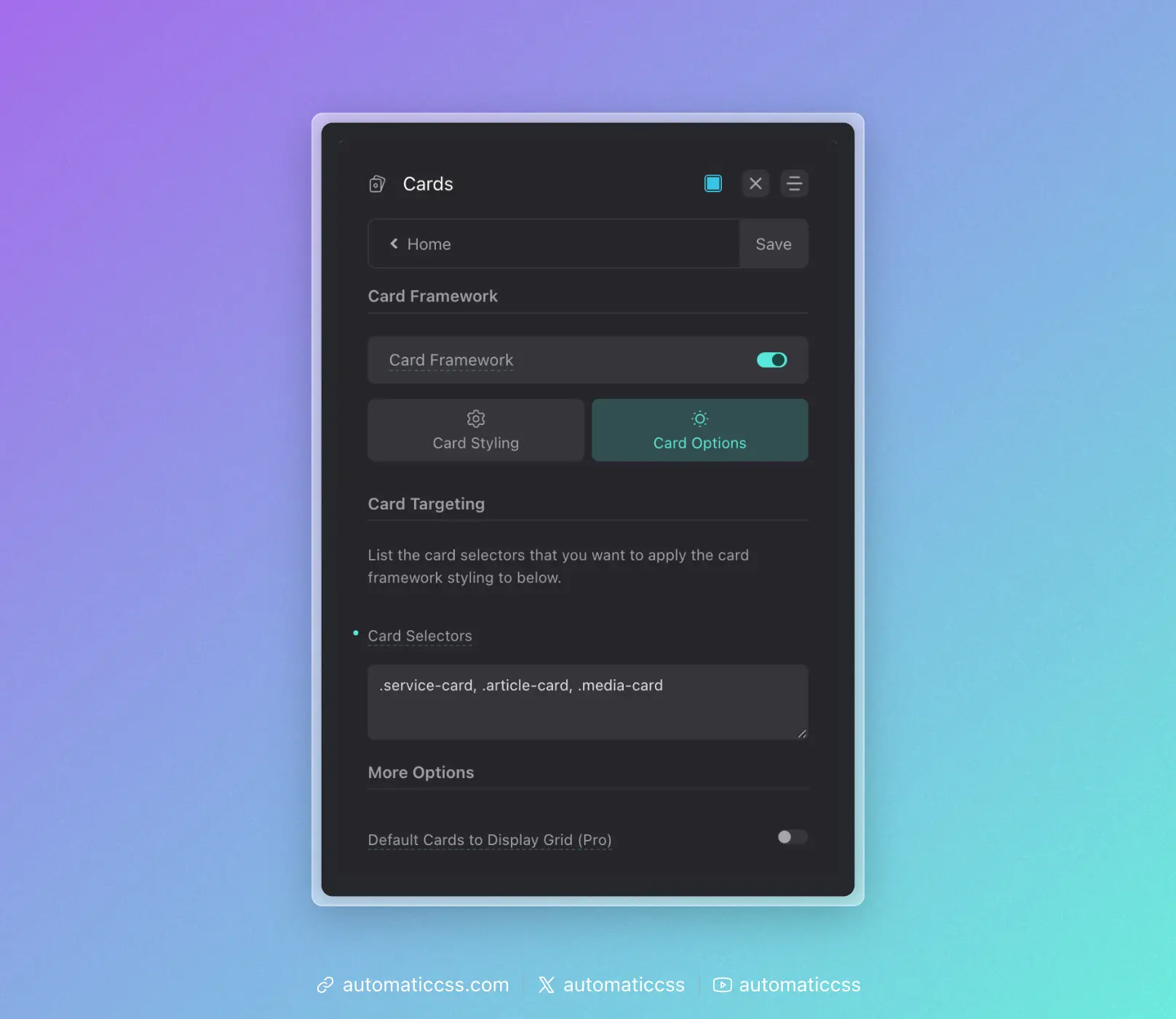
List the card selectors you want to target, separated by commas:
.service-card, .article-card, .media-card, .team-card
Only cards matching these selectors will receive the framework styling.
Best Practices
Add Cards As You Build Them
When you create a new card type, immediately add its selector to the Card Selectors input. Don't build cards with manual styling and "plan to add them later."
Use Consistent Naming
Adopt a consistent naming pattern for your cards. This makes it easier to identify and target them:
.service-card.team-card.testimonial-card.pricing-card.blog-card
Target the Wrapper, Not Inner Elements
Add the main card wrapper class to the targeting list, not inner elements. The framework automatically styles child elements based on BEM naming conventions:
__media– Featured images, videos__avatar– Profile photos, headshots[data-icon]– Icons (data attribute required)- Heading elements (h1-h6)
Using the Card Mixin
If you need to apply card framework styling to an element without adding it to the Card Selectors input, you can use the card mixin in the Custom SCSS area:
.custom-element {
    @include card;
}
This applies all framework styles directly to the element.
Changes From 3.x
In ACSS 4.0:
- Automatic card targeting has been removed. You must explicitly list card selectors in the Card Selectors input.