Gutenberg
Automatic.css is fully compatible with WordPress' Gutenberg editor. Open the ACSS dashboard and navigate to Options > Gutenberg to configure.
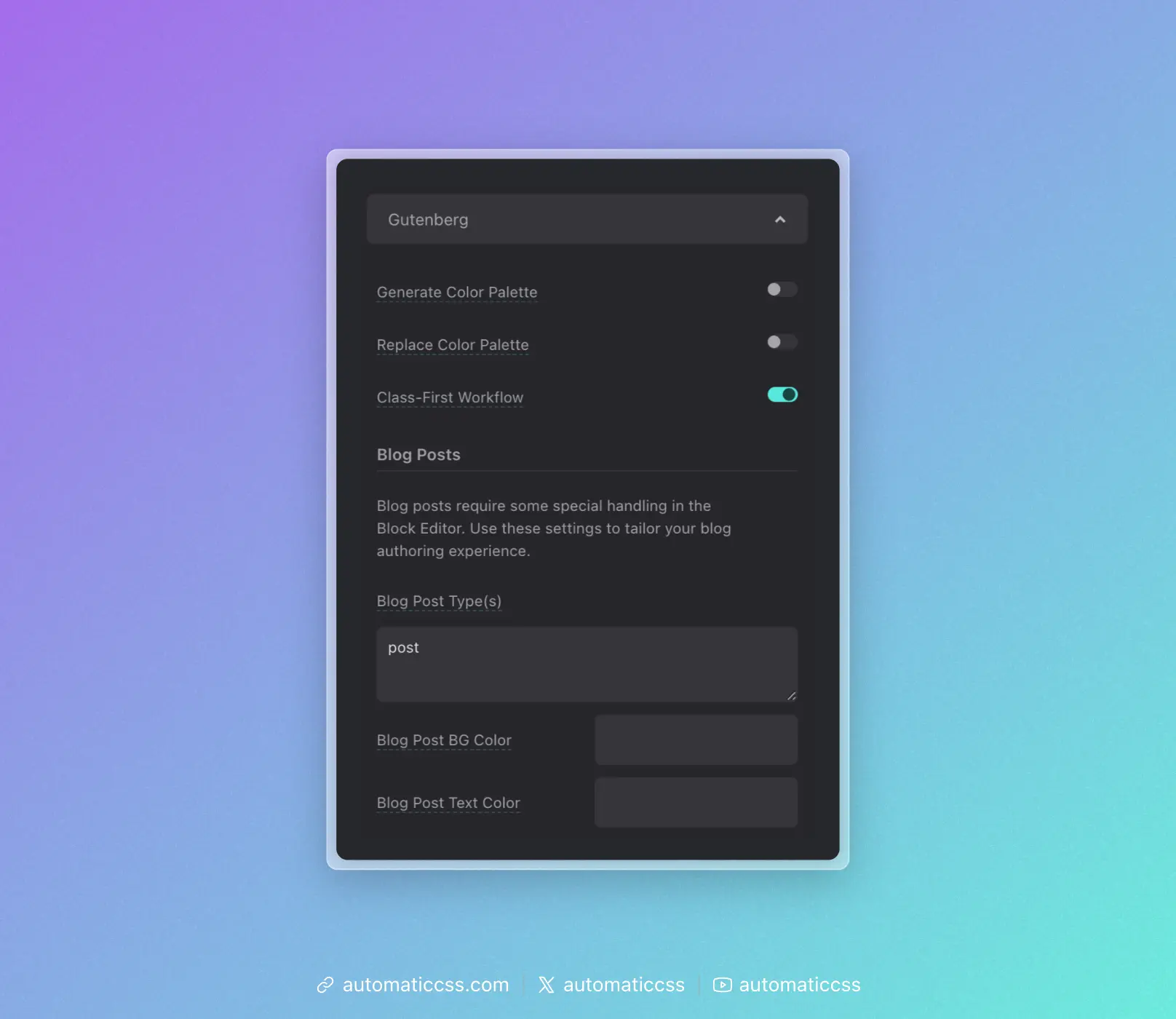
Available Options
Generate Color Palette
When enabled, ACSS colors, shades, and transparencies will be available in the Gutenberg editor color palette along with any other colors generated elsewhere.
Replace Color Palette
When enabled, the ACSS color system will fully replace all existing site color options.
Class-First Workflow
When enabled, ACSS will move the Gutenberg classes input to the top of the block editing panel for faster, easier access.
Blog Posts
Blog posts require some special handling in the Block Editor. Use these settings to tailor your blog authoring experience.
Blog Post Type(s)
Specify which post types should use the blog post styling. The default is post. Add additional post type slugs separated by commas if needed.
Blog Post BG Color
Set a custom background color for the blog post editor.
Blog Post Text Color
Set a custom text color for the blog post editor.
Adding Support for Custom Post Types
To add ACSS support for custom post types, add the below snippet to your functions.php file:
add_filter(
    'acss/gutenberg/allowed_post_types',
    function( $post_types ) {
        return array_merge( $post_types, array( 'post-type-slug', 'another-slug' ) );
    }
);
Replace 'post-type-slug' with the slugs of the custom post types you want to enable.
Changes From 3.x
In ACSS 4.0:
- Simplified Gutenberg options panel.
- Added Blog Post BG Color and Blog Post Text Color settings.
- Removed "Load Styles in Block Editor" and "Use Block Editor for Page Building" toggles (now automatic).